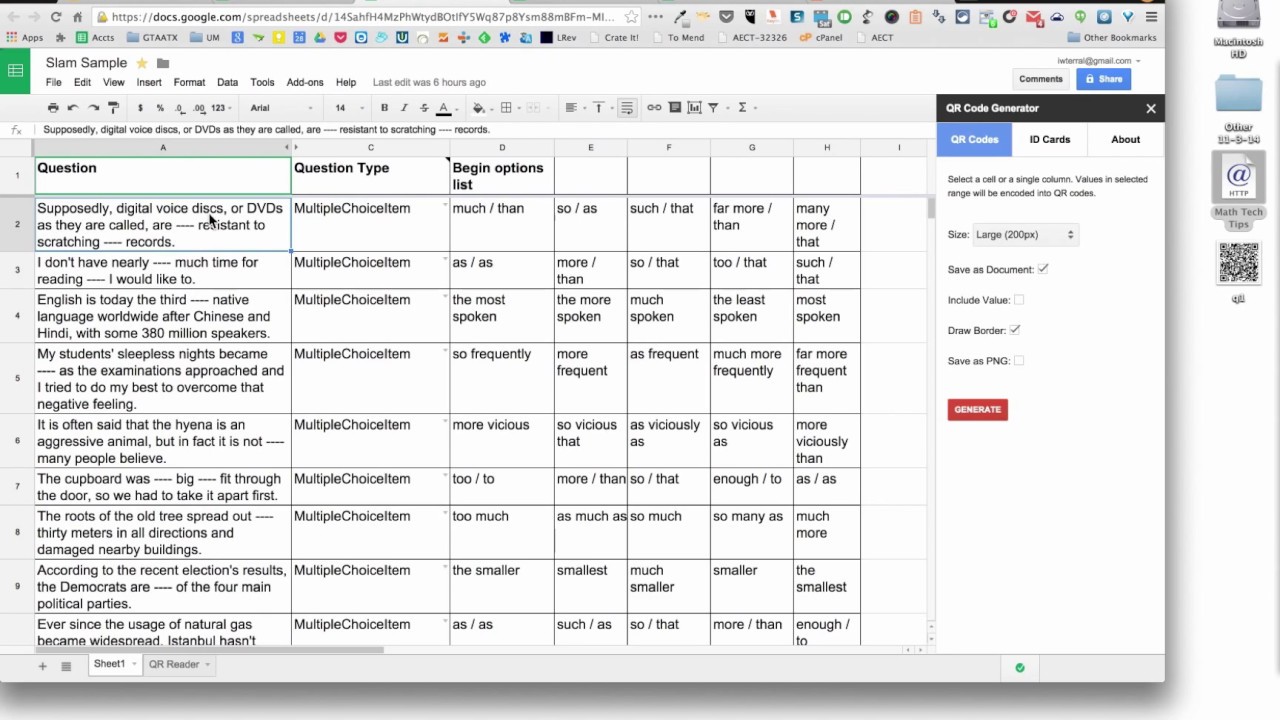
How to Create a Printable Form From a Google Sheet
Step-by-Step Guide to Creating a Printable Form
Creating a printable form from a Google Sheet is a great way to organize and share data with others. Google Sheets is a powerful tool that allows you to create and edit spreadsheets online, and with a few simple steps, you can turn your spreadsheet into a printable form. In this article, we'll show you how to create a printable form from a Google Sheet and provide some tips and variations for customizing your form.
To get started, open your Google Sheet and select the data range that you want to include in your form. You can do this by clicking and dragging your mouse over the cells that contain the data. Once you've selected your data range, go to the 'File' menu and click on 'Print'. This will open the print preview window, where you can adjust the layout and formatting of your form.
Tips and Variations for Customizing Your Form
In the print preview window, you can adjust the margins, orientation, and scaling of your form. You can also add headers and footers, and adjust the font and font size. Once you're happy with the layout and formatting of your form, click on the 'Print' button to print your form. You can also save your form as a PDF file, which can be easily shared with others via email or online.
There are many ways to customize your printable form, depending on your needs and preferences. For example, you can add images, logos, or watermarks to your form, or use different fonts and colors to make it more visually appealing. You can also use Google Sheets add-ons, such as AutoCrat or Form Publisher, to create more complex forms with conditional logic and validation rules. With a little creativity and experimentation, you can create a printable form that meets your specific needs and requirements.