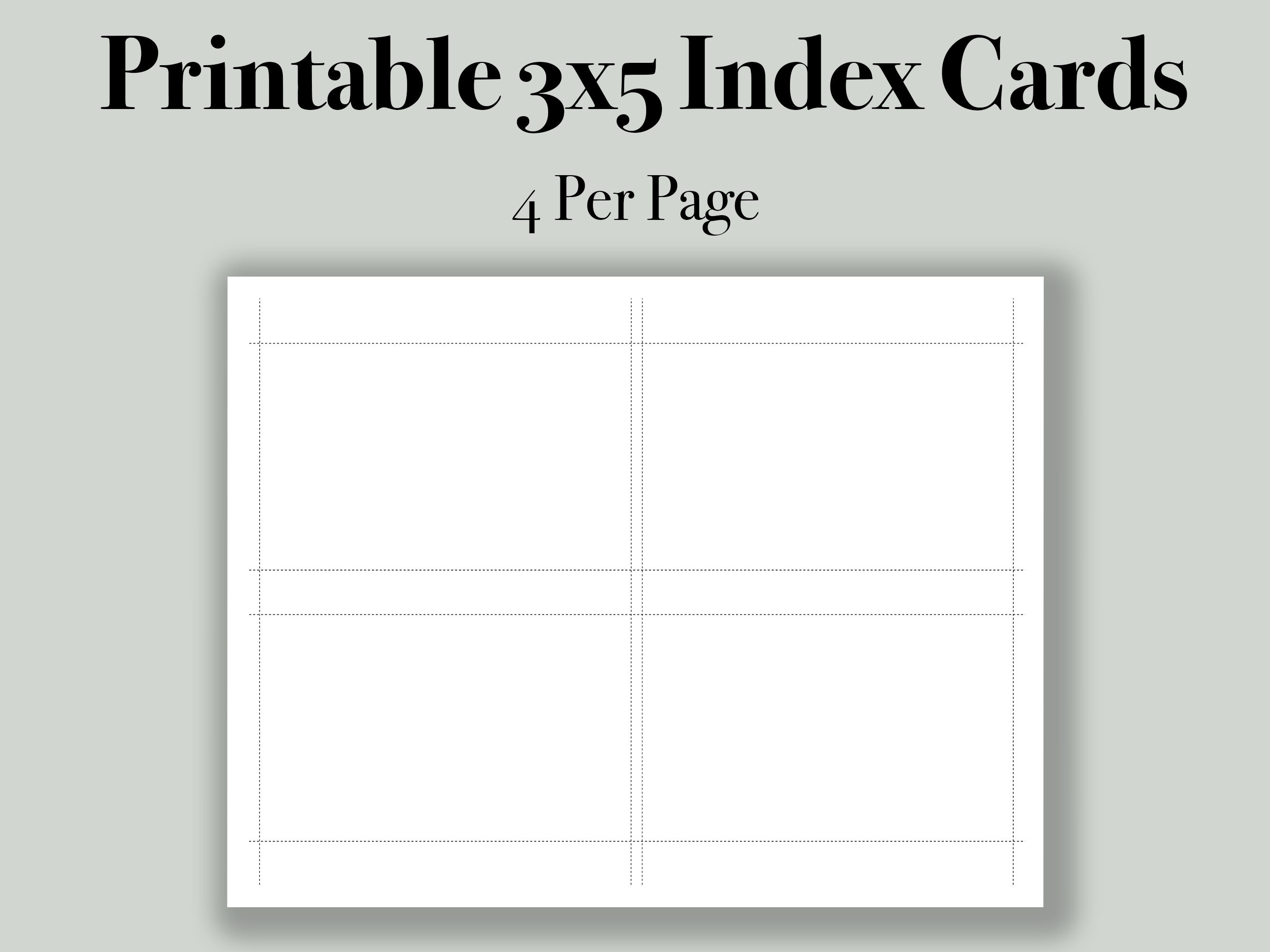
How To Print On 3x5 Cards: A Step-by-Step Guide
Preparing Your 3x5 Cards for Printing
Printing on 3x5 cards can be a fun and creative way to make flashcards, gift tags, or even business cards. With the right tools and a little bit of know-how, you can print on 3x5 cards using your home printer. In this article, we'll walk you through the steps to print on 3x5 cards, from preparing your cards to printing your design.
To get started, you'll need a few basic supplies: 3x5 cards, a printer, and some paper or cardstock. You can purchase 3x5 cards at most office supply stores or online. Make sure to choose cards that are compatible with your printer. Some printers may require special settings or paper types, so be sure to check your printer's manual before you begin.
Tips for Printing on 3x5 Cards
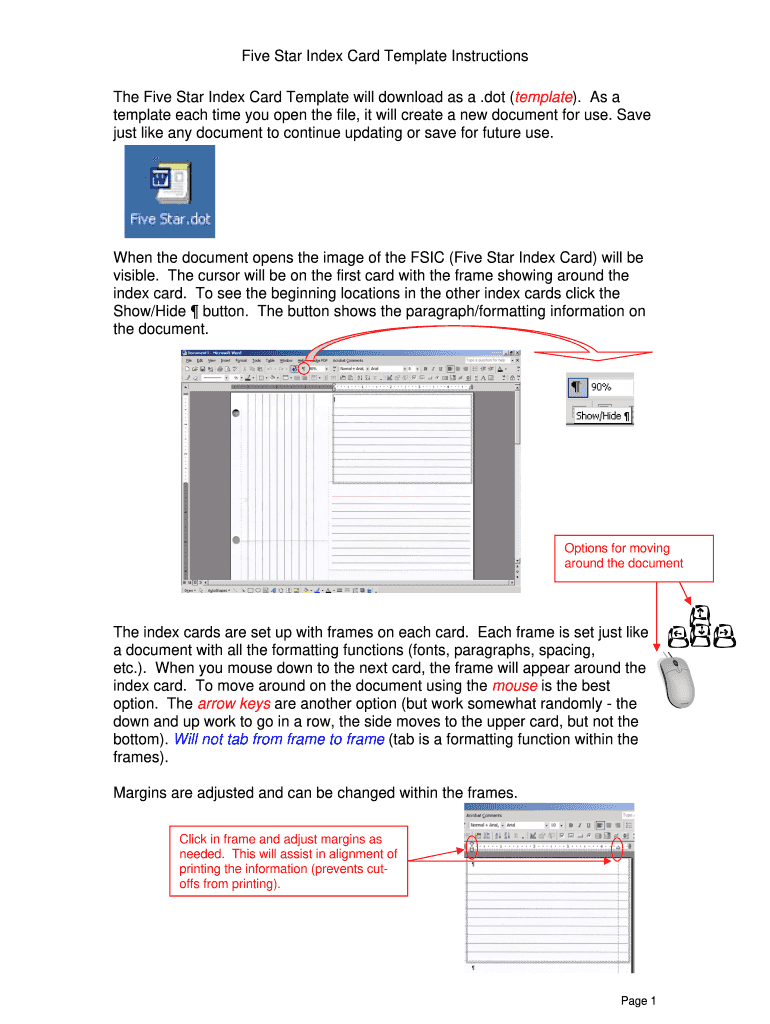
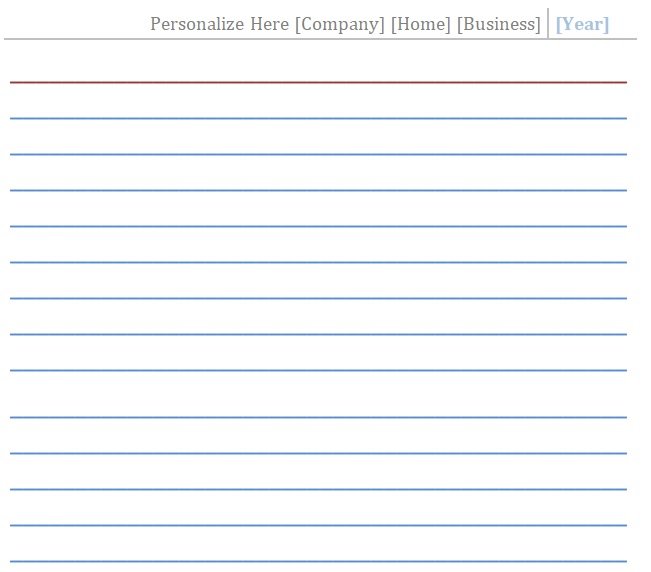
Once you have your supplies, it's time to prepare your 3x5 cards for printing. Start by inserting the cards into your printer's paper tray. Make sure the cards are aligned properly and the printer is set to the correct paper size. You can usually find this setting in your printer's settings menu. Next, design your printout using a word processing or design program. Keep in mind the small size of the cards and choose a font and design that will be easy to read.
With your cards prepared and your design ready, it's time to print. Make sure to print a test page first to ensure the ink or toner is aligned properly and the text is legible. If you're printing on both sides of the card, be sure to adjust the settings accordingly. Finally, let the ink dry completely before handling the cards to prevent smudging. With these simple steps and tips, you'll be printing on 3x5 cards like a pro in no time.